The field trip permission slip goes home in a backpack on Monday. By Thursday, half the class still hasn’t returned it, two parents can’t find the form, and the trip is next week. Sound familiar? You’re now making individual phone calls, sending follow-up emails, and cross-referencing a stack of checks against a roster instead of doing literally anything else.
If you’ve been asking yourself how to replace paper permission slips with a digital tool that also collects payments, you’re not alone, and the answer is more straightforward than most coordinators expect. Paper permission slips create three problems at once: no real-time signature tracking, no integrated payment trail, and no automated way to follow up with non-responders. Together, they turn a routine school activity into a multi-day administrative scramble. A single digital workflow fixes all three. This article walks you through how to choose the right permission slip software, what fields your form needs, and how to run a rollout that parents will actually respond to.
Why paper permission slips cost more time than you realize
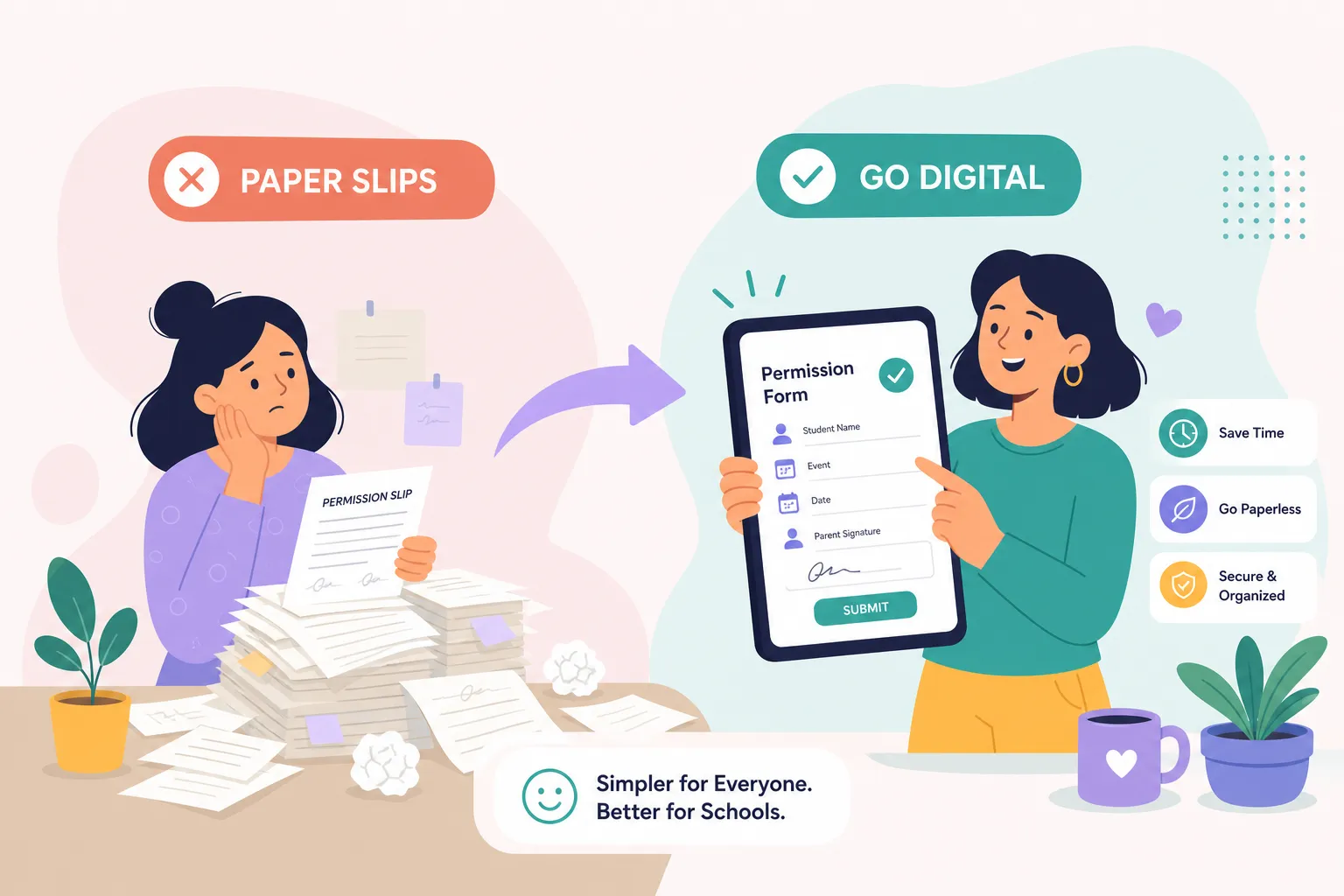
The full administrative burden of a paper permission slip is easy to underestimate until you map out every step: printing, distributing, collecting, manually logging each response, chasing non-responders individually, and then reconciling cash or checks against your roster. Each step takes time on its own. The real cost shows up when a quarter or more of families haven’t responded two days before a trip and your only option is to start making calls.
Paper gives you zero real-time visibility into who has signed, who paid, or who even received the form, you won’t know until you physically sort through what came back. That gap can mean 20 minutes of scrambling the morning of a trip when a missing waiver or unpaid fee surfaces at the worst possible moment.
Collecting checks or cash alongside a paper slip also creates a separate reconciliation process, where you’re cross-referencing two lists instead of one unified record. Online permission forms with built-in payment collection collapse both into a single parent response, significantly reducing or eliminating that manual reconciliation step when the platform is configured correctly.
What your digital tool must handle before you commit to it
Not all digital form tools are built the same. Generic builders were designed for surveys and contact forms, not for parental consent workflows that also need to collect payment. Before your school commits to any platform, a few non-negotiables apply.
Legal e-signature requirements for school forms
E-signatures are legally valid in the United States under the ESIGN Act when the signer clearly intends to sign and the school can produce a signed record with an audit trail and timestamp. A checkbox can satisfy this requirement, but only when it’s accompanied by the required ESIGN consumer disclosures, affirmative consent, and a verifiable audit trail, without those elements, it won’t hold up for a liability waiver. The platform must store a signed record tied to the parent’s identity, with documentation that they affirmatively consented to sign electronically.
Built-in payment processing and compliance
The platform must handle payment collection through a PCI DSS-compliant processor, meaning cardholder data is handled by the processor itself and never stored on the school’s servers. Schools also need to ensure student data tied to payments is managed in line with FERPA. Permission slip software designed specifically for K-12 environments handles both requirements; general-purpose form builders often leave those responsibilities to the school to sort out. For context on how electronic payment costs affect K-12 operations, see the costs of electronic payments in K, 12 schools report.
Why purpose-built permission slip software beats a patchwork of tools
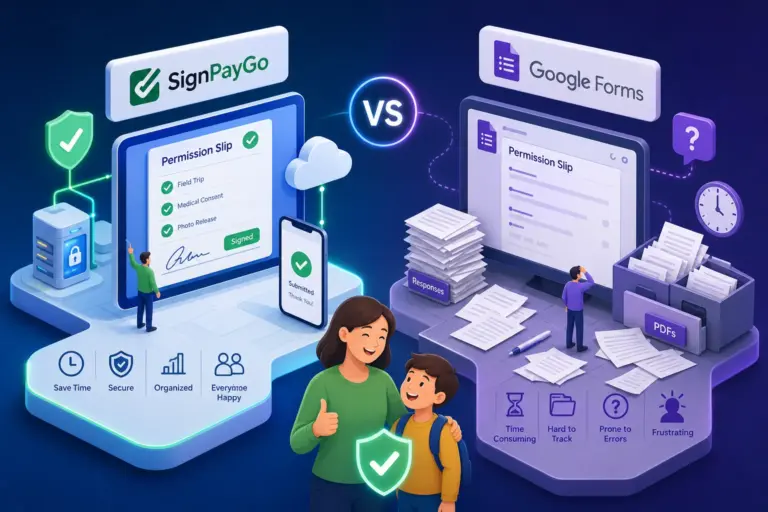
Stitching together a generic form builder, a separate payment link, and a follow-up spreadsheet creates the same tracking chaos as paper, just in digital form. A dedicated permission slip payment collection platform like SignPayGo combines e-signature capture, payment collection, and automated reminders into one shareable parent link, with a real-time dashboard showing exactly who has signed and paid at any moment. Rather than juggling three separate tools, coordinators get a single record per student that covers consent, payment, and follow-up in one place.
How to replace paper permission slips with a digital tool that also collects payments
Once you’ve chosen a platform that meets the requirements above, the actual setup takes less time than most coordinators expect. The steps below reflect a typical workflow using paperless permission slip software built for K-12.
Step 1: Set up your account and build the form
Sign up for your chosen permission slip software, platforms built for schools are generally designed to get you operational quickly, without IT involvement or a lengthy configuration process. Use the digital permission slip builder to add your trip details, consent language, and medical fields. Custom fields for emergency contacts, dietary restrictions, and media consent can typically be added in a few clicks. Attach your liability waiver to the same form so parents sign both documents in one session, not two.
Step 2: Configure payments and set your reminders
Add the trip fee inside the same form. Purpose-built permission slip payment collection tools support common payment methods, credit cards and mobile wallets, so parents can complete the whole process from their phone. Before you send anything, configure your automated reminder rules: decide how many days after the initial send a reminder should go to non-responders, and the platform handles all follow-up from there.
Step 3: Send to your roster and track responses in real time
Upload your class roster via CSV, or pull it directly from your student information system if your platform supports that integration, common SISs like PowerSchool and Infinite Campus are supported by several K-12-focused tools. Send the shareable parent link via email in one batch. Open the real-time dashboard to watch signature status, payment status, and total collected update as responses come in. When you’re ready, export a finalized roster in CSV or PDF for day-of logistics.
The fields every digital permission slip needs
A complete online permission form covers three areas: consent and identification, medical information with emergency contacts, and payment terms. Getting these right upfront means fewer parent questions and a legally sound record if anything ever needs to be reviewed.
For consent and identification, include the trip destination, date, departure and return times, transportation method, and a brief description of planned activities. Add student name, grade, date of birth, and parent name. Then include explicit consent language stating that the parent authorizes their child’s participation and understands associated risks, paired with a legal e-signature field and timestamp. A text field alone does not satisfy this requirement.
Medical information should cover known allergies, current medications, dietary restrictions, and the family physician’s name and phone number. List two emergency contacts with names, relationships, and phone numbers. Include a separate checkbox authorizing the school to seek emergency medical care if the parent cannot be reached. This authorization is legally distinct from the activity consent and should stand alone on the form.
For payment terms, state the trip cost clearly, the payment deadline, and accepted payment methods. Include a brief refund policy covering the cutoff date, conditions for a refund, and which costs are non-refundable. Families who see this information upfront raise fewer disputes later.
Getting parents to actually respond after you launch
Even a well-built digital form gets ignored if the rollout isn’t thoughtful. The way you send the link matters as much as the form itself.
Send the initial form with a subject line that names the trip and the deadline. Parents who see “Permission form due Friday: October Nature Trip” act faster than parents who open a generic message. If your school uses a parent communication app, post the shareable link there as well. Reaching parents on multiple channels they already use consistently improves response rates compared to a single email.
Automated reminders handle the follow-up without any effort from you. They target only the parents who haven’t responded yet, so you’re not re-sending to everyone and frustrating families who already signed and paid. Sending a reminder a few days before the deadline and another the day before tends to recover most outstanding responses, without the coordinator making a single phone call.
Making the switch is simpler than you think
Paper permission slips aren’t just inconvenient. They create tracking gaps, payment headaches, and last-minute scrambles that a well-configured digital workflow can largely eliminate. The admin time you recover adds up quickly, especially across multiple trips and events each school year.
For middle-school workflows see Middle School Field Trip Permission Slips, and for older students check High School Field Trip Waivers & Payments.
Replacing paper permission slips with a digital tool that also collects payments doesn’t require a lengthy IT project or a specialist to configure anything. With SignPayGo, a school coordinator can build a form, configure payments, enable automated reminders, and send to a full class roster in a single sitting. If your school is still sending paper forms home in backpacks, the next field trip is a practical reason to make the switch, and SignPayGo is built to make that transition as straightforward as possible.